Help / The Inbox
The Inbox
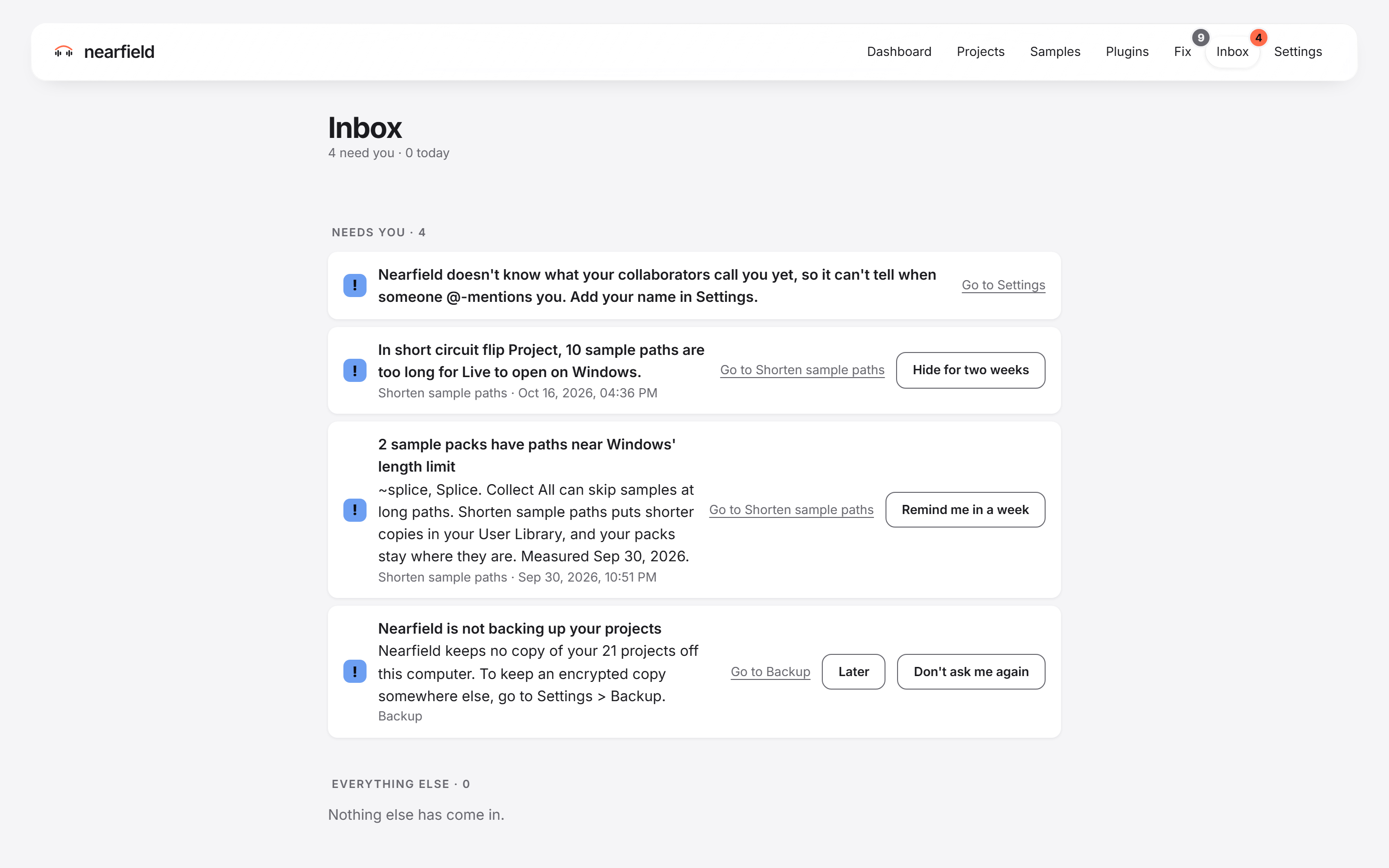
The Inbox holds what needs you: notes from collaborators, handoffs, and things that need a decision. A badge on the tab shows how many things wait for you.
What you see
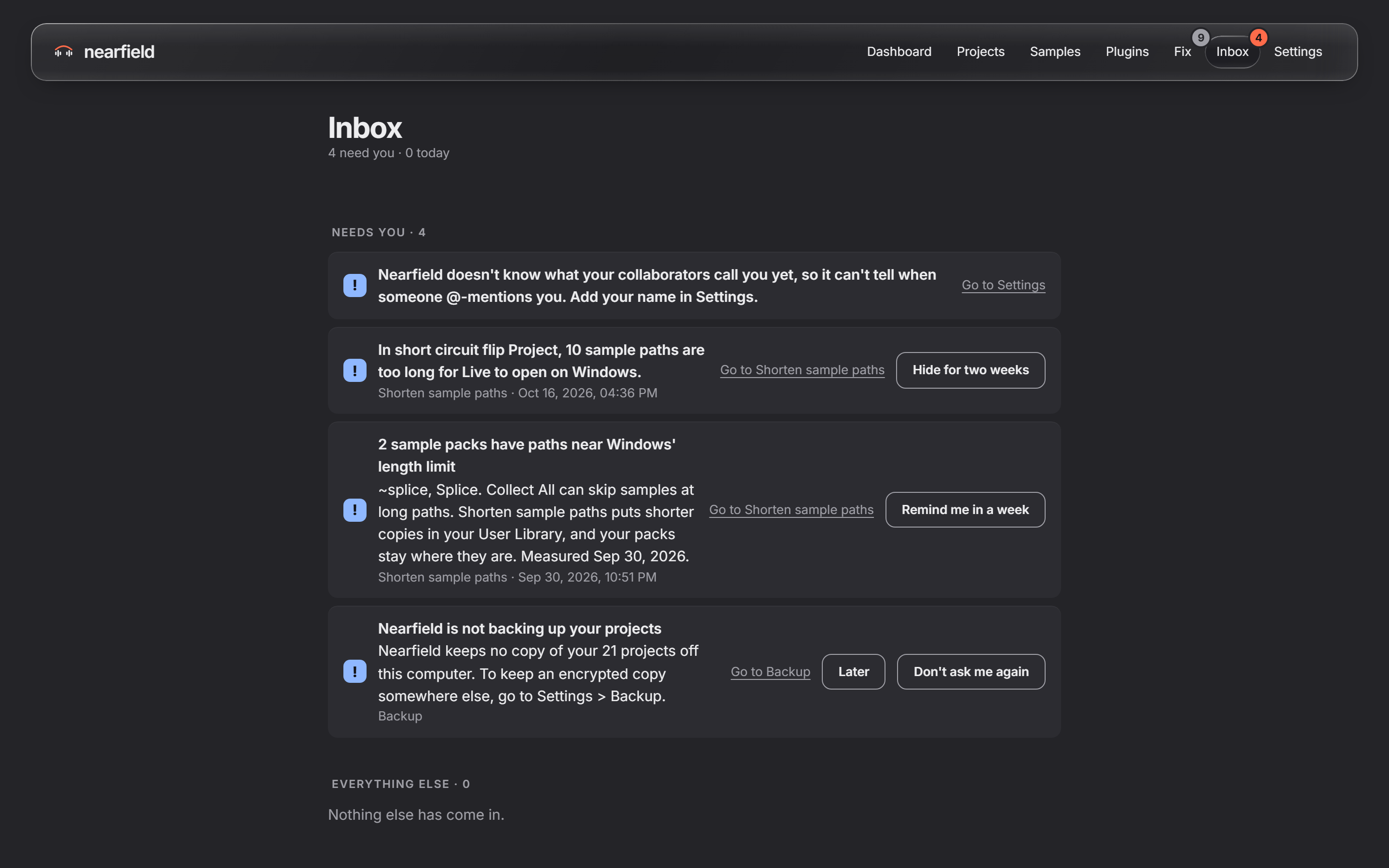
Items sit in two groups: “Needs you” and “Everything else”. If the Inbox is empty, it says "Nothing waiting for you." Press “Invite someone” to start working with another person.
The Inbox fills up when your computers sync. It does not fill up at the moment a person types.
Kinds of item
- A person mentioned you in a note, or replied to your note.
- A project came back to you, or someone handed it to you.
- A collaborator updated Live, so a shared project may open differently.
- Nearfield has a newer version. It tells you, and it links to the installer. It never installs it by itself.
- Something needs a look, such as a sync that has stopped, or a computer that waits to join your account.
- Samples arrived from a share and wait for you to file them. See Samples that arrived.
Buttons
- “Open the project” opens the project. For a note, it opens the project at the note.
- “Mark as read” marks one item as read. “Mark all as read” marks every unread item.
- “Hide for two weeks” hides a row that needs a look. After two weeks, it comes back if it is still true.
What these buttons do
- They do not change your projects or your samples.
- Mark as read and Hide for two weeks only change what the Inbox shows.