Skip to the content
nearfield
OverviewHelpSafetyPrivacyQuestions
Request access

Help / Settings and your account

Settings and your account

Settings holds the choices for this computer. Your account and the crash report switch are one press away.
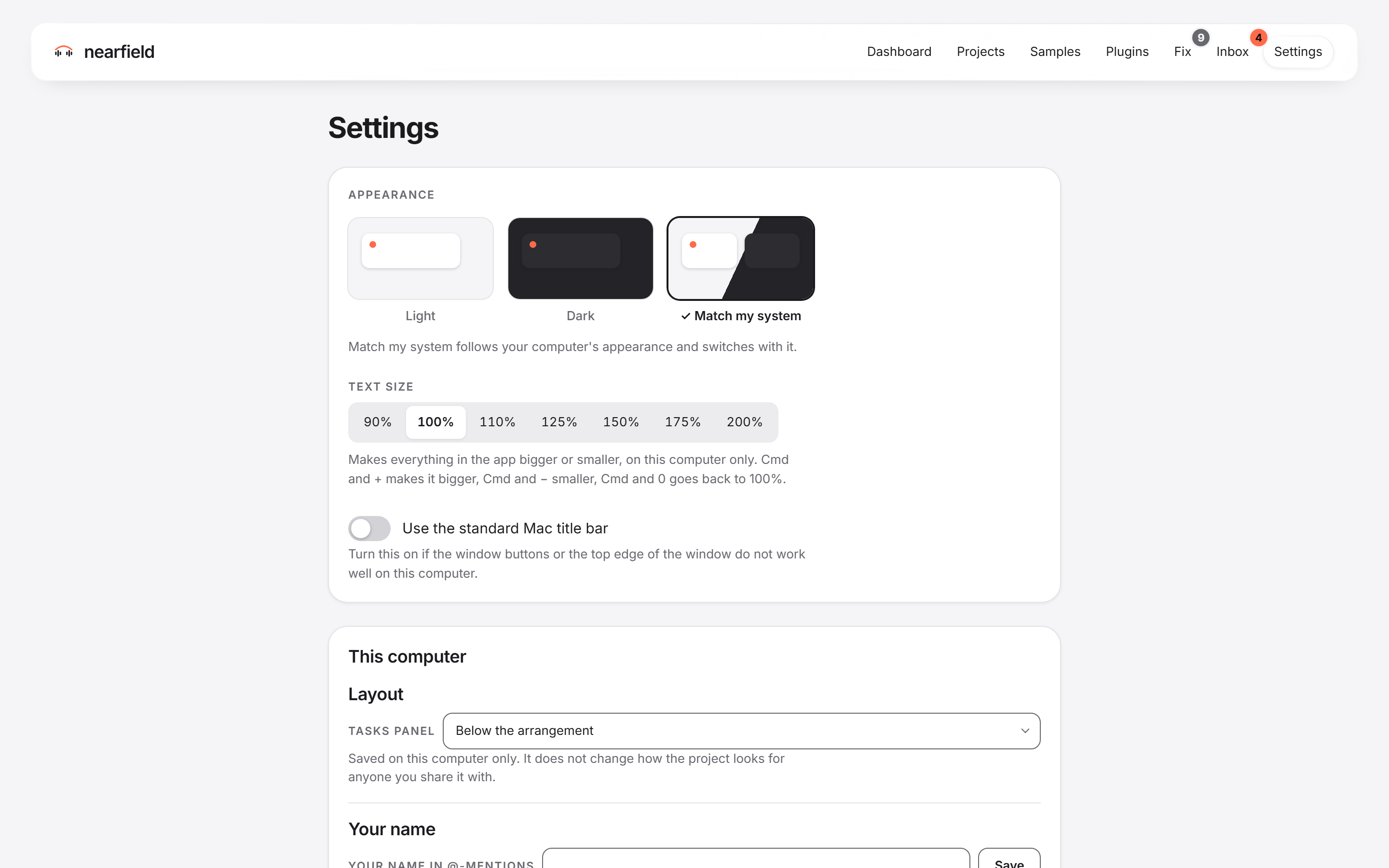
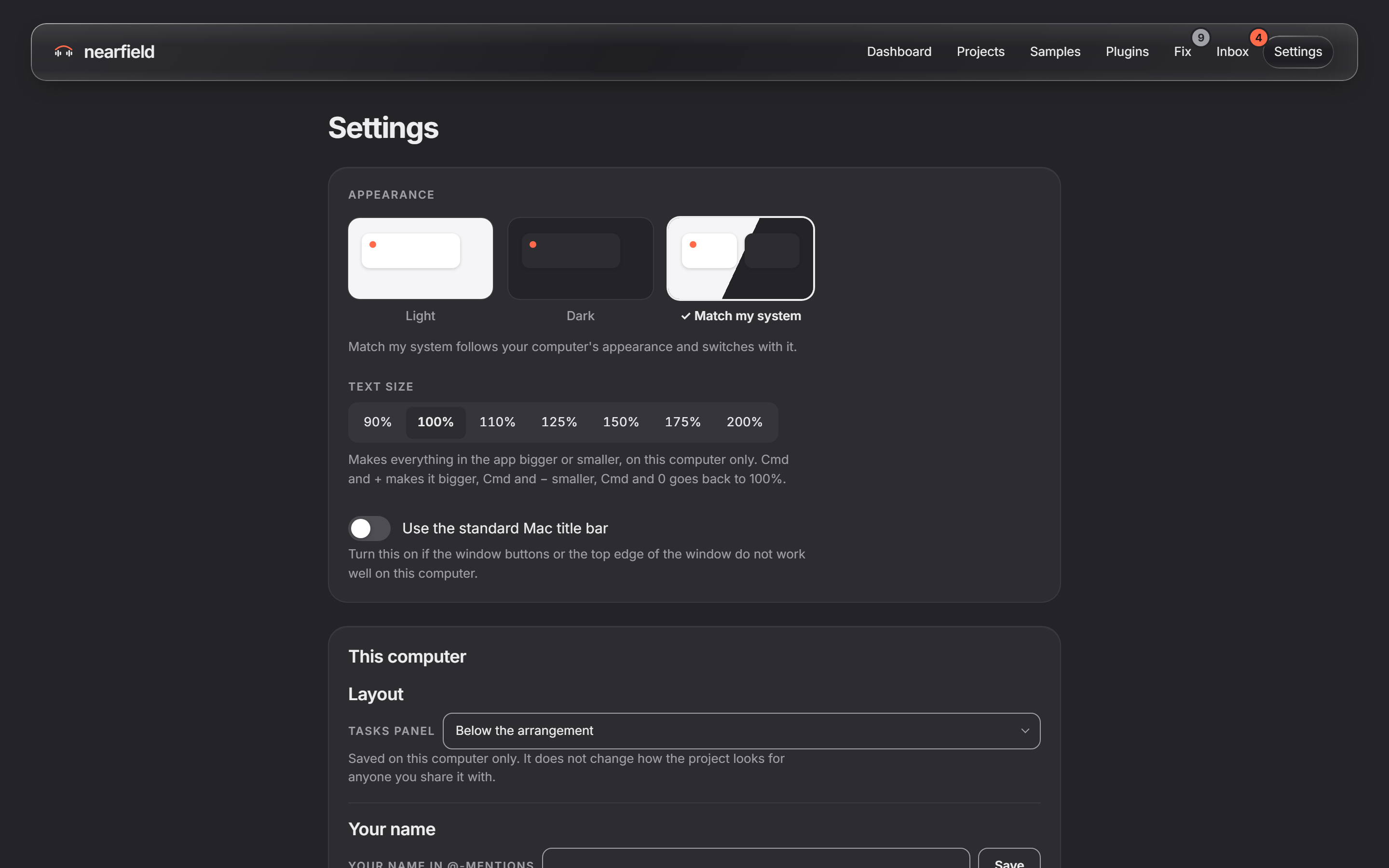
SettingsSettings

Tasks

  • Change how the app looksLight, dark and text size.
  • Choose settings for this computerYour name, folders, watching, pausing and notifications.
  • Choose settings for this computerYour name, folders, watching, pausing and notifications.
  • Manage your accountYour email, computers, data and account.
  • Clear old savesFree the space of Nearfield's own old copies.
  • Crash reportsThe switch, and what a report holds.
nearfield

Your Ableton Live projects, organized and consistent on every computer and with every collaborator, Mac and Windows.

Help

  • All help pages
  • Get started
  • The Dashboard
  • Projects
  • Share and work together
  • Samples
  • Fix
  • Plugins
  • The Inbox
  • Backup and your computers
  • Moving to a new computer
  • Settings and your account
  • What Nearfield will never do

Trust

  • Safety
  • Privacy
  • Questions

Legal

  • Privacy (draft)
  • Terms (draft)

Nearfield is not made by or affiliated with Ableton. Ableton and Live are trademarks of Ableton AG.

This site sets no cookies and loads nothing from other companies.