Help / Plugins
Plugins
The Plugins tab lists every plugin this computer has, and which projects use it. Nothing here removes a plugin.
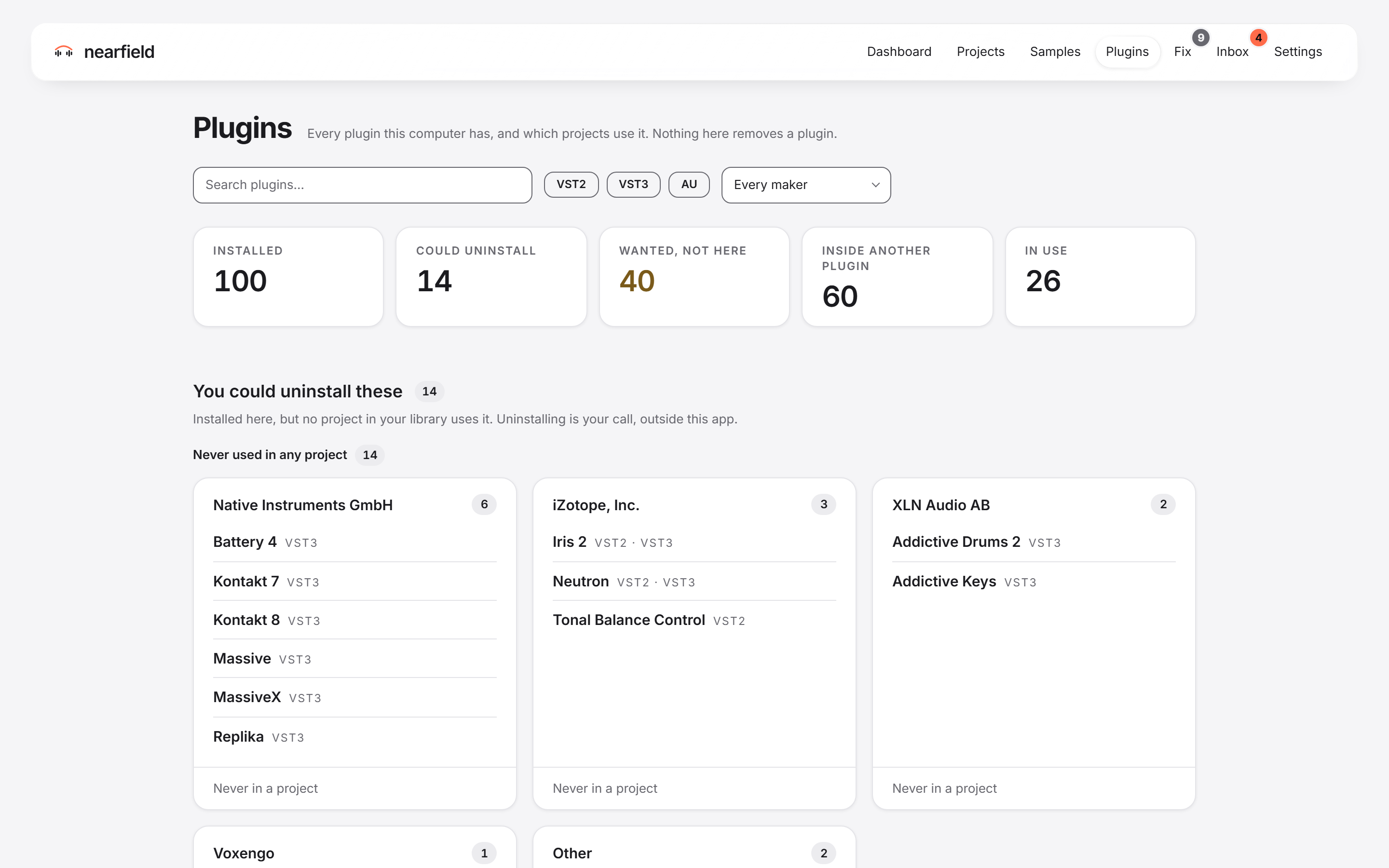
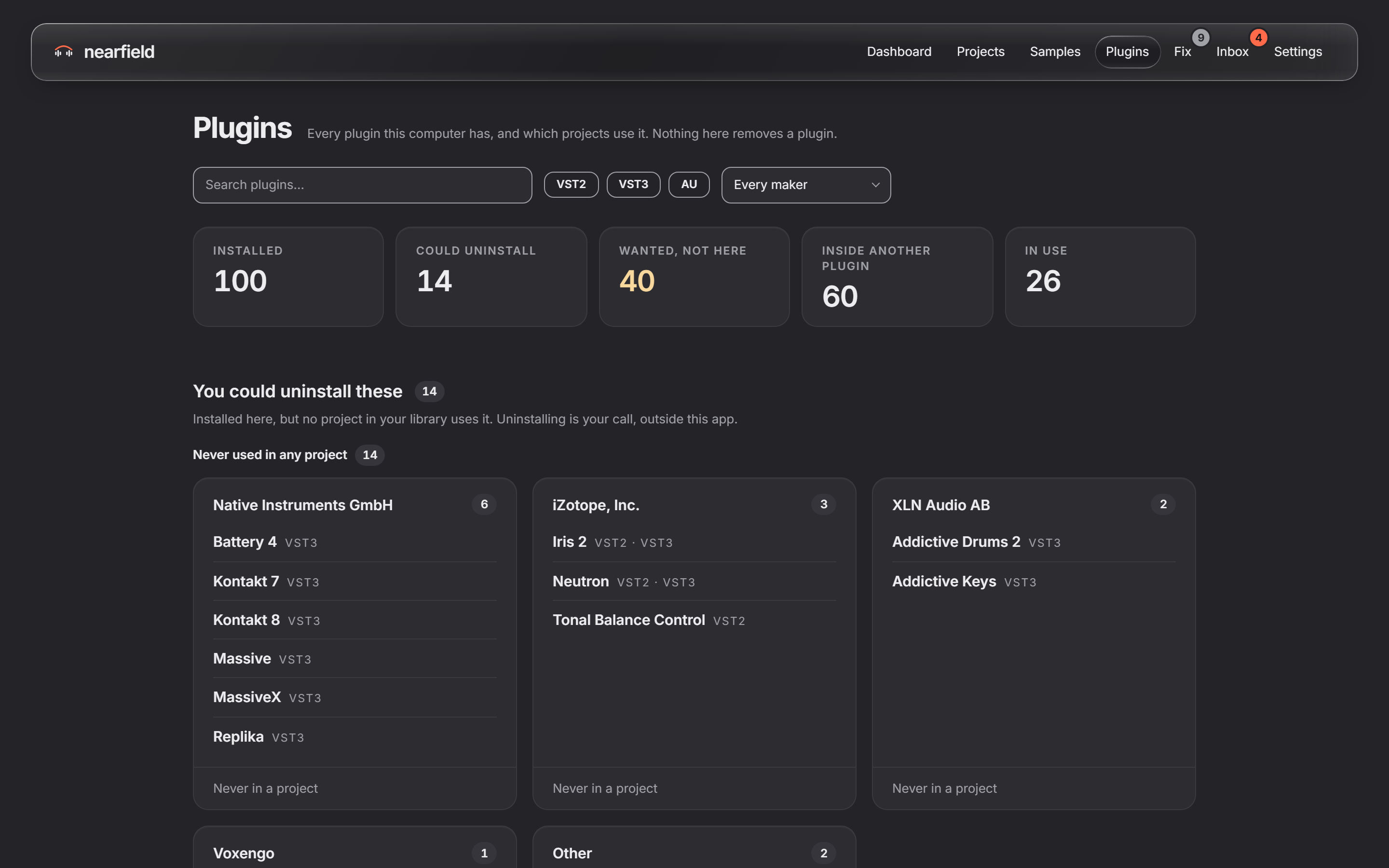
The Plugins tab
Use “Search plugins…” to find one. Use the chips “VST2”, “VST3” and “AU” to choose a format. Use the “Maker” list to choose a maker.
The tab has these sections:
- “You could uninstall these” lists plugins that no project uses, and plugins that no project saved in the last year uses. You choose what to do. Uninstalling happens outside Nearfield.
- “Your projects want these, not installed here” lists plugins that your projects use and this computer does not have. Press “Open a project using it” to see one.
- “The rest” lists the other plugins.
A plugin that a shared project uses stays off the uninstall list.