Help / Samples
Samples
The Samples tab holds the tools for your sample library. Some of them only read. The others change your files only after you press a button.
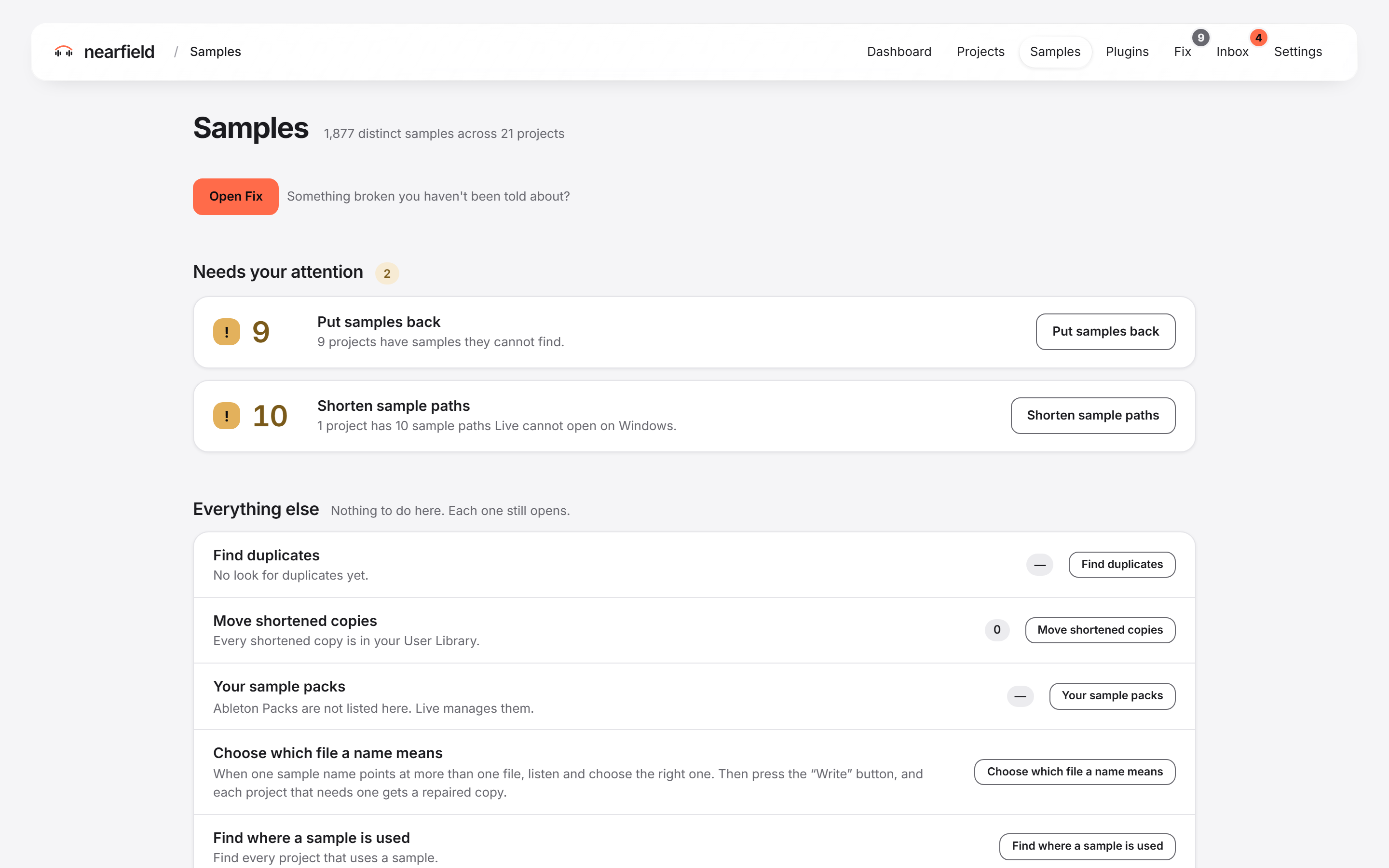
The Samples tab
The tab opens with a count of your samples. Under “Needs your attention” you see what needs you. Under “Everything else” you see the other tools. Each row opens one tool. Opening a row changes none of your files.
Tasks
- Find where a sample is usedEvery project that uses a sample name.
- Move quiet sample packs asideMove unused packs to a holding folder, and back.
- Find duplicate samplesRemove extra copies that Collect All left behind.
- Shorten sample pathsFix samples past the 260-character limit on Windows.
- Choose where Nearfield looks for samplesYour User Library and other places to look.